Key takeaways
- Remote viewing should never rely on open router ports
- Change default passwords and keep recorder firmware updated
- Cloud backup protects footage if the recorder is stolen
- Check bandwidth before uploading footage from many cameras
Most business owners want to check their premises from a phone, whether that's a shop, warehouse or villa. Modern CCTV systems make this easy, but a poorly configured recorder can expose your cameras to anyone on the internet.
How remote viewing works
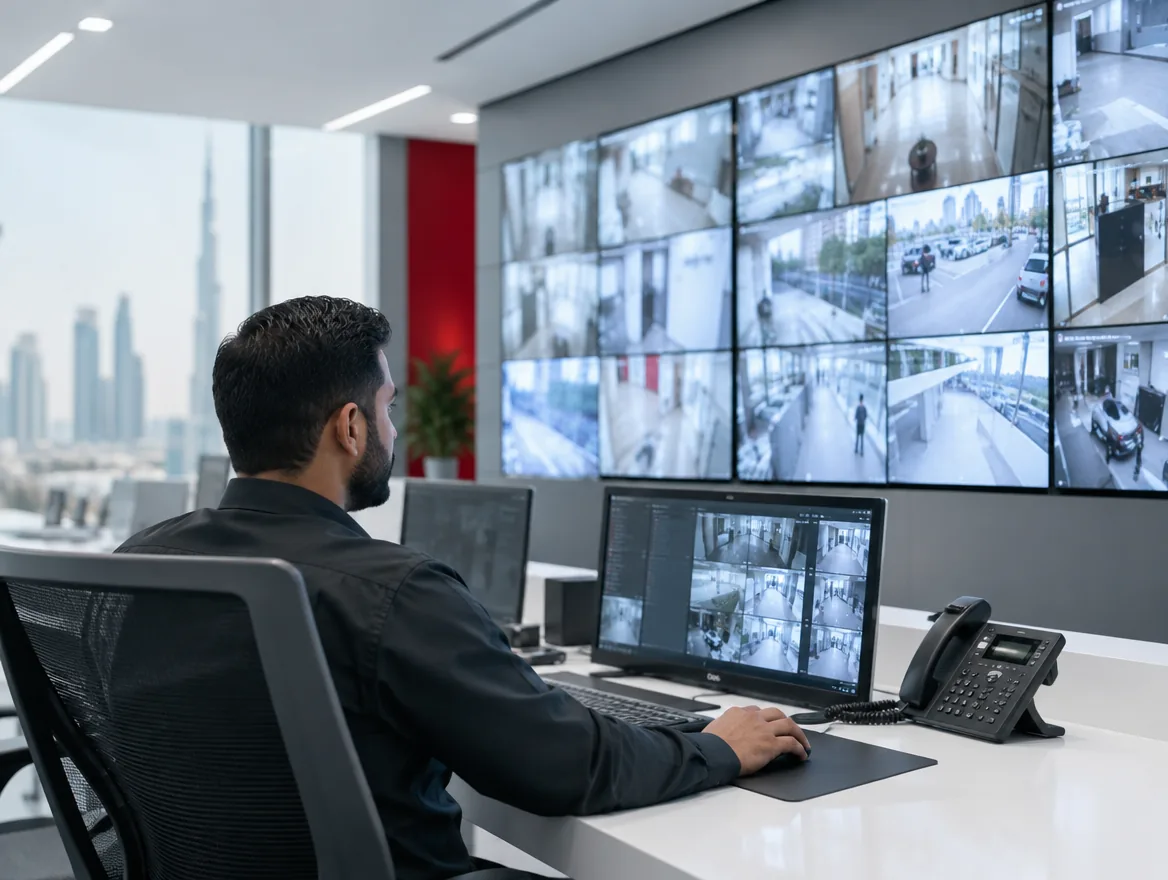
The cameras record to a network video recorder on site. A mobile app connects to that recorder through the manufacturer's secure cloud service or a VPN. You can watch live, play back recordings and receive motion alerts.
Doing it securely
These steps stop most problems:
- Replace default usernames and passwords on every device
- Avoid port forwarding; use the vendor's secure service or a VPN
- Keep recorder and camera firmware up to date
- Put cameras on a separate network from office computers
- Give each user their own login instead of sharing one
Local versus cloud recording
Local recording is reliable and has no monthly fee, but if the recorder is damaged or stolen, the footage goes with it. Cloud recording keeps a copy off site. Many businesses use a hybrid: continuous local recording with cloud backup of motion events.
Bandwidth and storage
High-resolution cameras produce a lot of data. Uploading full footage from many cameras can overload a normal office internet connection. Recording events only, using efficient compression and choosing sensible resolution settings keeps both bandwidth and storage costs under control.
Privacy and retention
Point cameras only where needed, display signage and keep recordings for a defined period before they are overwritten. Restrict who can view and export footage.
Get it set up right
We install, configure and maintain CCTV systems with secure remote access, network separation and the right retention settings. Ask us to check your existing system or plan a new one.
Frequently asked questions
Yes. Each person should have their own login with the right permissions.
Live viewing on mobile uses data, but apps usually stream a lower-quality view to save bandwidth.
Often yes, depending on the recorder. Very old analogue systems may need an upgrade.
It depends on your needs and any sector rules. Thirty days is common for many businesses.