Key takeaways
- Electronic access replaces keys with controllable, logged entry
- Choose credentials that suit each door and user group
- Integrate with CCTV and fire alarms
- Cloud management simplifies multi-site control
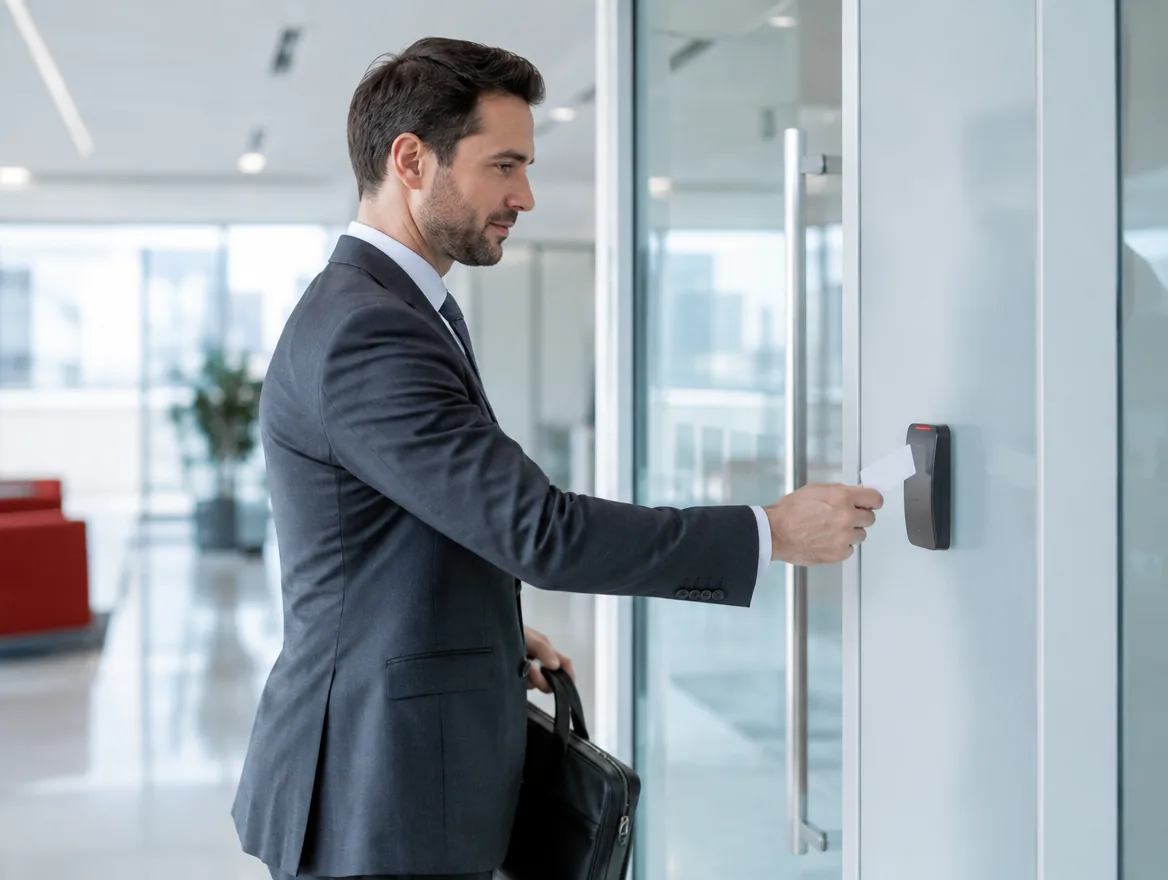
Keys get copied, lost and never returned. Electronic access control lets you decide exactly who can enter each door, when, and keeps a record of every entry.
Credential options
Each has strengths:
- RFID cards and fobs: affordable, familiar and easy to issue
- PIN codes: useful as a second factor
- Fingerprint: can't be lent or lost
- Face recognition: fast and touch-free
- Mobile credentials: phones as keys, easy to issue remotely
Zones and schedules
Define zones such as main entrance, server room and finance office, and give each group access only where and when they need it.
Integration
Access control works best linked with CCTV, so every entry event has video, and with fire alarms, so doors release automatically in an emergency.
Attendance and reporting
The same readers can feed time and attendance, and reports support audits and investigations.
Cloud or on-premise
Cloud-managed systems let you add or remove users from anywhere and manage multiple sites from one dashboard.
Visitor management
Visitors can be pre-registered and issued temporary QR codes or cards that work only on certain doors and times. Reception gets a clear record of who is on site, which also helps during evacuations.
Common mistakes
Avoid these when planning access control:
- Forgetting fire-safe door release requirements
- Not removing access when staff leave
- Using the same schedule for every group
- Placing readers where they are easily damaged
- No battery backup for locks and controllers
- Not linking events to CCTV
Why move away from keys
Mechanical keys can be copied without your knowledge, are rarely returned when staff leave and give no record of who entered where and when. Rekeying locks after a lost key is expensive and disruptive. Electronic access control solves these problems. Credentials can be issued and revoked instantly, access can be limited to specific doors and times, and every entry is logged. For businesses with sensitive areas such as server rooms, stock rooms or finance offices, this control is essential.
Planning your system
Start by listing every door and deciding who needs access to each. Group users by role, such as staff, managers, cleaners and contractors, and define schedules for each group. Consider which doors need to open automatically in a fire, which need to stay secure during a power cut, and which need exit buttons or request-to-exit sensors. The number of doors, readers and credential types drives cost, so prioritise the doors that matter most and plan for expansion later.
Ongoing management
An access control system is only as good as its administration. Build user management into your onboarding and offboarding process so access is added and removed on the same day. Review access rights regularly, especially for sensitive areas. Check event logs after incidents, and link events to CCTV for quick investigation. Cloud-managed systems simplify all of this, letting authorised administrators manage multiple sites from one dashboard.
Costs and budgeting
Access control costs depend mainly on the number of doors, the type of locks and readers, and whether management is cloud-based or on-premise. A small office with a main entrance and server room can be secured affordably, while larger sites with many doors, turnstiles and car park barriers need a bigger investment. Cloud systems usually have a monthly licence per door or user, while on-premise systems have higher upfront software costs. Plan the doors that matter most first, choose a system that can grow, and include maintenance so locks, batteries and readers stay reliable.
Plan the doors
Each door needs the right lock, reader, exit button and power. A site survey makes sure every door is specified correctly before installation.
Frequently asked questions
Most doors can be fitted with electric locks and readers. A survey confirms what each door needs.
Controllers and locks have battery backup, and fire-exit doors are designed to release safely.
Yes. Cloud systems let administrators add users, change permissions and unlock doors remotely.
Face recognition and mobile credentials offer touch-free alternatives where hygiene is a concern.



