Key takeaways
- Biometrics stop buddy punching and manual errors
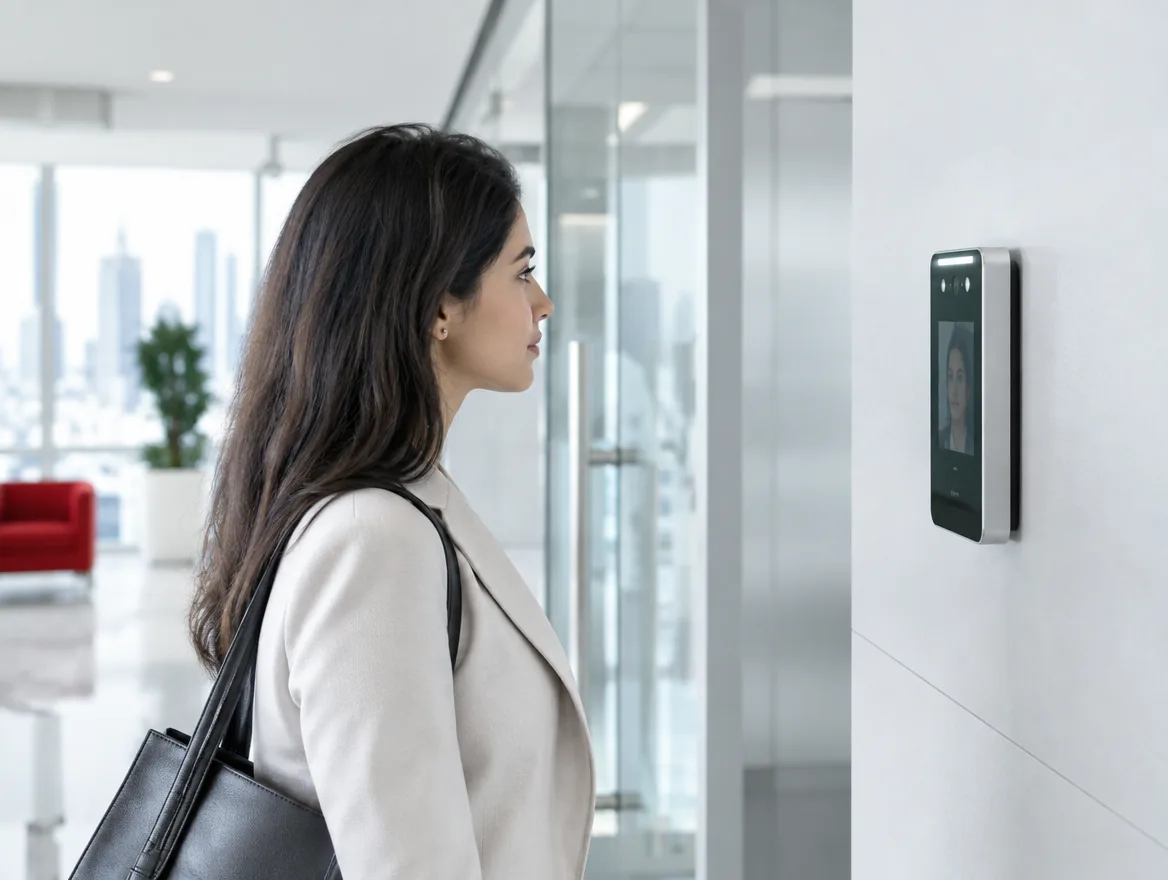
- Face recognition is fast and touch-free
- Integration with payroll saves hours every month
- Protect biometric data with encryption and clear policies
Paper registers and shared cards make attendance easy to manipulate and hard to report on. Biometric systems record attendance using fingerprints or faces that can't be shared.
Fingerprint or face?
Fingerprint readers are affordable and proven. Face recognition is touch-free and faster in busy entrances, and works better for staff whose fingerprints are worn from manual work.
Features to look for
A good system offers:
- Real-time data sent to a central system
- Shift, overtime and leave rules
- Integration with HR and payroll software
- Multi-site management
- Mobile or GPS clock-in for field staff
Data privacy
Biometric data is sensitive. Choose systems that store templates encrypted rather than raw images, and follow clear policies on access and retention.
Placement matters
Readers should be at entrances where staff naturally pass, with good lighting for face recognition and protection from direct sun or rain outdoors.
Rolling it out to staff
Explain why the system is being introduced, how data is protected and how it will be used. Enrol staff in small groups, and run the new system alongside the old one for a short period so issues are resolved before payroll depends on it.
Reports HR teams rely on
A good system produces:
- Daily attendance and late arrivals
- Overtime by employee and department
- Absence and leave tracking
- Shift coverage across sites
- Exportable data for payroll
- Audit trails for disputes
Why manual attendance falls short
Paper registers, spreadsheets and shared swipe cards are easy to manipulate and time-consuming to process. Colleagues can sign in for each other, times are rounded, and HR teams spend hours each month reconciling records before payroll. Errors lead to disputes and overpayments. Biometric systems solve this by linking each record to a unique fingerprint or face, captured automatically at the moment of entry. Data flows directly to a central system, so reports are available in real time and payroll can be processed with confidence.
Choosing the right devices
Consider the number of staff clocking in at peak times, since busy entrances need fast readers or more than one device. Face recognition terminals work well at high-traffic entrances and are touch-free. Fingerprint readers are cost-effective for smaller teams. Outdoor or warehouse locations need rugged, weather-resistant devices. Check that devices can store records locally if the network is temporarily down, and that they sync automatically when it returns. For companies with several sites, choose a system with cloud management so all locations report into one place.
Integrating with HR and payroll
The real time savings come from integration. Attendance data can feed directly into HR and payroll software, applying shift rules, overtime rates, public holidays and leave automatically. Managers can approve corrections and exceptions in the system rather than by email. Employees can often view their own attendance history through a portal or app, which reduces queries to HR. Before choosing a system, confirm it works with your payroll software or can export data in the format your payroll team needs.
Choosing a supplier
Look for a supplier who offers reliable devices, software that suits your shift patterns and proven integration with your payroll. Ask for a demonstration using your real scenarios: night shifts, split shifts, overtime rules and multiple sites. Check how data is stored and backed up, how the system handles device failures, and what local support is available. Confirm the total cost, including devices, installation, software licences and annual support. A supplier who understands UAE working patterns and public holidays will make setup and ongoing use much simpler.
Beyond attendance
The same devices can often control door access, combining attendance and security in one investment.
Frequently asked questions
Yes. Shift patterns, rotations and overtime rules can be configured per group.
Face recognition, cards or PIN can be used as alternatives for those users.
Many systems support mobile clock-in with location checks for field staff.
Most systems export to common payroll and HR software or integrate directly.



