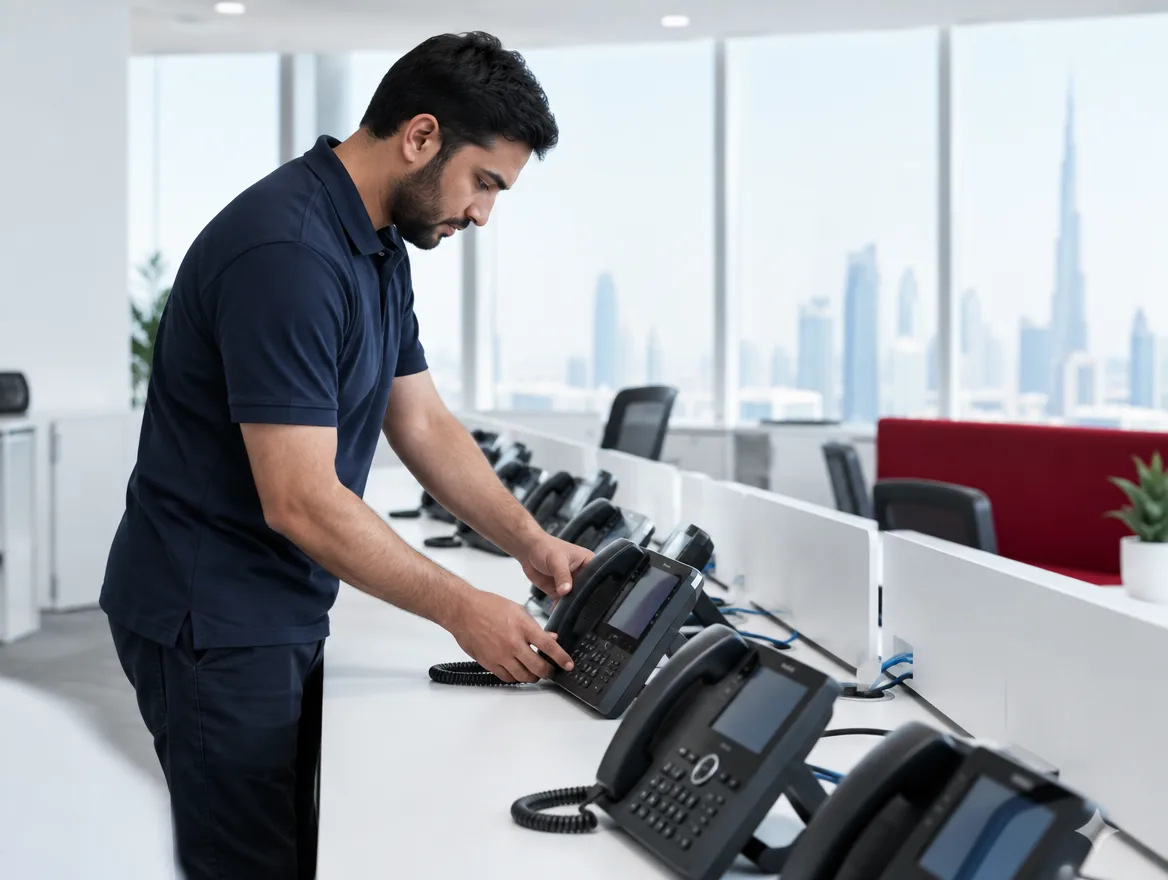
Key takeaways
- Match phones to roles instead of buying one model for everyone
- Gigabit and PoE ports save cabling and power adapters
- Receptionists need expansion modules and large screens
- Pre-provisioned phones make rollout plug-and-play
Buying the same phone for everyone seems simple, but it usually means overspending on some desks and under-equipping others. Matching phones to roles gives better results for the same budget.
General staff
A mid-range colour IP phone with HD voice, Gigabit ports and a few programmable keys suits most desks. Gigabit matters: the computer usually connects through the phone.
Reception and operators
Receptionists need to see who's busy and transfer quickly. Choose a phone with a large screen and add expansion modules for busy-lamp fields showing every extension.
Executives
Touchscreen or video phones, Bluetooth for headsets and mobiles, and premium audio suit executive desks and home offices.
Call centres
Agents often use softphones on their computers with professional headsets, which saves desk space and cost. Where desk phones are used, focus on headset ports and reliability.
Features to check
Whatever model you choose, check for:
- Compatibility with your PBX or cloud platform
- PoE so no power adapter is needed
- Zero-touch provisioning for easy rollout
- Wideband (HD) audio
- Firmware support and warranty
Softphones vs desk phones
Not every user needs a physical phone. Staff who work mainly on laptops, travel often or work from home may be better served by a softphone app with a good headset. Desk phones remain the best choice for reception, shared areas, meeting rooms and people who spend much of the day on calls. Many offices use a mix, which reduces hardware costs.
Accessories that make a difference
The right accessories improve comfort and productivity:
- Wired or wireless headsets for heavy phone users
- EHS cables so wireless headsets can answer desk phones
- Wall-mount kits for kitchens and warehouses
- Expansion modules for reception and operators
- Wi-Fi or Bluetooth dongles where cabling isn't available
Rolling out new phones
A smooth rollout starts with an extension plan: who gets which number, which buttons each phone needs and how calls should ring. Phones are then provisioned centrally, so each one downloads its settings automatically when plugged in. Deploy out of hours where possible, test each desk, and give staff a short guide covering transfers, voicemail and conference calls. Receptionists benefit from a few minutes of hands-on training with their consoles before the first busy morning.
Maintenance and firmware
IP phones are small computers, and like any device they need updates. Firmware updates fix bugs, add features and close security vulnerabilities. Central provisioning makes it easy to update all phones at once, ideally out of hours. Keep an inventory of models and firmware versions, and plan to replace phones when manufacturers stop providing updates, typically after five to eight years.
Budgeting for phones
Handset costs vary widely, from entry-level models suitable for shared areas to premium executive and video phones. A practical approach is to budget by role: reception and operators get the best screens and expansion modules, heavy phone users get headsets and mid-range phones, and occasional users get basic handsets or softphones. Remember to include power adapters if your switches don't support PoE, headsets, wall mounts and spare units for quick replacement. Buying from a supplier who pre-configures phones and provides local warranty support saves time and avoids delays when a handset fails.
Brands we supply
We supply Yealink, Grandstream, Fanvil and Poly phones, pre-configured so they register automatically when plugged in.
Frequently asked questions
Often yes, if they support SIP and are still receiving firmware updates. We check compatibility before recommending replacements.
Typically five to eight years, though firmware support may end sooner for budget models.
For executives and remote workers they can, but most video meetings now happen on laptops and room systems.
No. Most IP phones have a second port so the computer connects through the phone on a single cable.



