Key takeaways
- Stop using the device immediately
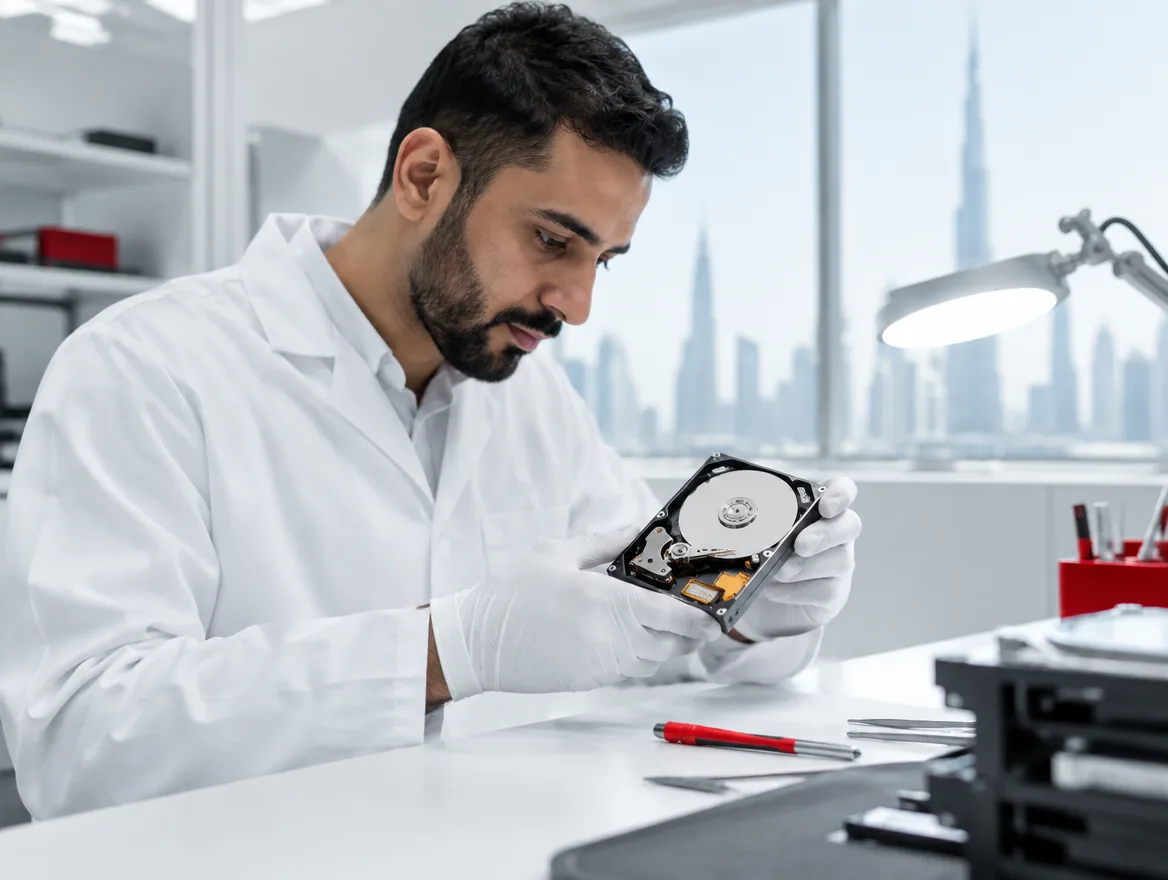
- Never open a drive outside a clean environment
- Avoid free recovery software on physically damaged drives
- Good backups make recovery a simple restore
Drive failures happen to laptops, desktops, NAS boxes and servers. The way you react in the first few minutes often decides whether data can be recovered at all. Well-meaning attempts to fix the problem can make it much worse.
Recognise the warning signs
Common signs of a failing drive include:
- Clicking, grinding or beeping noises
- Very slow file access or frequent freezing
- Files or folders that disappear or won't open
- Repeated disk errors or blue screens
- A RAID or NAS showing a degraded array
- The computer not recognising the drive
What to do immediately
Power the device down safely and stop using it. Every minute a damaged drive keeps spinning can cause more damage to the surface. Don't run disk repair tools, don't reinstall the operating system and don't keep restarting to see if it comes back.
RAID and NAS failures
If a RAID array or NAS reports a failed disk, don't rebuild, initialise or swap drives in a hurry. Note the drive order and error messages, take photos if needed, and get advice first. An incorrect rebuild can overwrite the data you are trying to save.
Logical vs physical failure
Logical failures, such as accidental deletion or file system corruption, can often be recovered with specialist software on a copy of the drive. Physical failures, such as damaged heads or motors, need work in a clean environment by specialists. Opening a drive in an ordinary room usually destroys it.
Prevention
Recovery is slow, expensive and not always possible. Monitoring that warns of failing drives, combined with tested backups following the 3-2-1 rule, turns a drive failure into a minor inconvenience rather than a crisis.
Need help now?
If a drive has failed, contact us before trying anything else. We'll assess the device, explain the options and give a clear estimate before recovery begins.
Frequently asked questions
Often, yes, especially if the drive hasn't been opened or repeatedly powered on after failing.
Sometimes, but SSDs are harder to recover. Backups are even more important for them.
From a day for simple logical recovery to a week or more for physical damage.
Yes. Recovered data is handled securely and returned only to you.



