Key takeaways
- One universal dock per desk avoids cable chaos
- Standardise laptop models to keep docks compatible
- Good monitors and chairs improve productivity
- Desk booking makes shared desks practical
Hybrid working means many desks are shared. When every desk has a different cable, monitor or adapter, staff waste the first part of each day getting set up. A consistent desk standard fixes that.
Universal docking stations
A single USB-C or Thunderbolt dock connects the laptop to monitors, keyboard, mouse, network and power with one cable. Choose docks that support your laptop models and provide enough power for them to charge at full speed.
What a hybrid desk needs
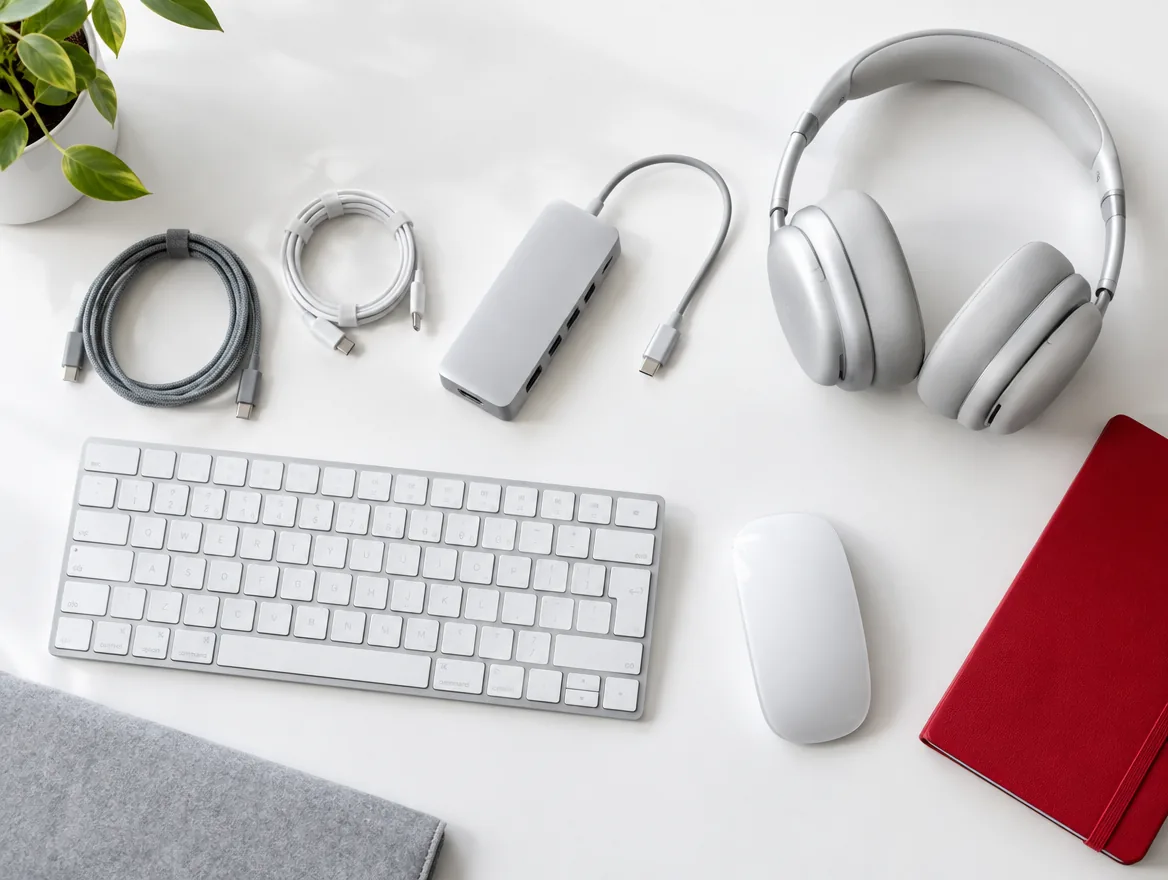
A practical standard desk includes:
- Universal dock with power delivery
- One or two monitors at a comfortable height
- Wired network connection through the dock
- Keyboard and mouse, or space for personal ones
- Headset or speakerphone for calls
- Cable management and a lockable storage option
Standardise devices
If laptops come from several manufacturers, docks may not work with all of them. Standardising on a small number of laptop models makes docks, chargers and spares interchangeable and simplifies support.
Comfort and ergonomics
Monitor arms, adjustable chairs and laptop stands reduce strain for staff who spend long days at a desk. These are small investments compared with the cost of discomfort and lost productivity.
Booking and hygiene
Desk booking apps help staff reserve a desk and help facilities plan space. Clear desk policies and simple cleaning routines make shared desks pleasant to use.
We can equip your office
We supply docks, monitors, headsets and accessories, and install them to a consistent standard across every desk and meeting room.
Frequently asked questions
Many universal docks do, but features vary. We check compatibility with your laptops first.
Two monitors suit most office work; one large monitor is fine for lighter use.
Some business docks support firmware updates and asset tracking through management tools.
Yes, with consistent models and installation across all desks.



