Key takeaways
- A site survey comes before buying equipment
- Design for device density, not just square metres
- Separate staff, guest, IoT and voice networks
- Monitor and tune as the office changes
Poor Wi-Fi is one of the most common complaints we hear. The usual fix, adding a cheap extender, often makes things worse. Reliable wireless comes from design, not guesswork.
Start with a site survey
A wireless survey measures how signals travel through your space, identifies interference and maps where people and devices concentrate. Glass partitions, lift shafts and metal ceilings in Dubai towers all affect coverage.
Design for capacity, not just coverage
A meeting room with 20 people on video calls needs more capacity than a corridor. Plan access points around how many devices connect in each area.
Use business-grade equipment
Centrally managed access points share settings, hand devices over smoothly as people move and adjust channels automatically.
Separate your networks
Create separate wireless networks, or VLANs, for:
- Staff devices
- Guests, with internet-only access
- IoT devices such as screens and sensors
- Voice handsets, prioritised for call quality
Secure it properly
Use WPA3 or WPA2-Enterprise for staff, with individual sign-in rather than one shared password. Guest networks should never reach internal systems.
Wi-Fi 6, 6E and 7
Newer Wi-Fi standards handle busy environments far better, with more efficient use of channels and support for many devices at once. Wi-Fi 6E and 7 add the 6 GHz band, which is less congested. When upgrading, choose access points that support current standards so the investment lasts.
Typical problem areas
Some spaces need special attention:
- Glass-walled meeting rooms that block or reflect signals
- Open-plan areas with dozens of devices
- Warehouses with metal racking
- Reception and guest areas with many visitors
- Outdoor terraces and car parks
- Floors shared with neighbouring networks
Why consumer equipment struggles
Home routers and extenders are designed for a handful of devices in a small space. In an office with dozens of laptops, phones, tablets, printers and smart devices, they quickly become overloaded. Extenders halve the available bandwidth and create separate networks that devices don't roam between smoothly. Business access points are designed for many simultaneous users, are managed centrally, share information about connected devices and automatically adjust channels and power to reduce interference. The difference in reliability is dramatic.
Placement and mounting
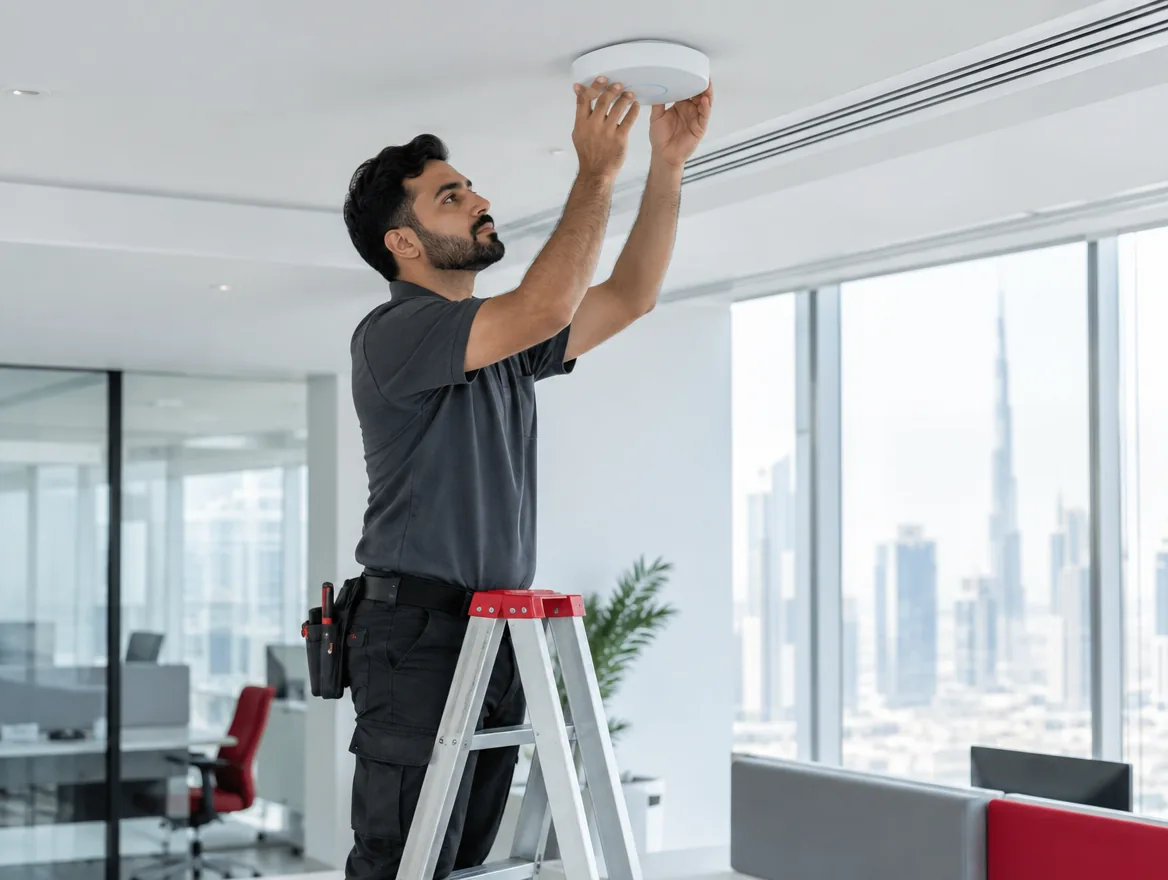
Access points work best mounted on the ceiling in open areas, away from metal objects and obstructions. Placing them inside cupboards, above metal ceiling tiles or behind screens significantly reduces coverage. Each access point should be connected by a cable to a PoE switch, which provides both data and power. The site survey determines exact positions, and a post-installation survey confirms coverage meets the design. Small adjustments to position or power settings often make a big difference.
Supporting voice and video over Wi-Fi
Calls and video meetings are sensitive to delays and dropped packets. For good call quality over Wi-Fi, design for strong signal everywhere people take calls, enable fast roaming so devices move between access points without dropping, and prioritise voice and video traffic. Dedicated voice networks and careful channel planning reduce interference. With the right design, Wi-Fi calls are as reliable as wired ones.
Monitor over time
Offices change: new partitions, more people, more devices. Monitoring shows congestion and weak spots early so the network can be tuned before users complain.
Frequently asked questions
It depends on layout, materials and device count. A site survey gives an accurate answer.
Business mesh is useful where cabling isn't possible, but wired access points give the best performance.
Yes, on a separate guest network isolated from your internal systems.
Often congestion, interference or an overloaded internet link. Monitoring shows the real cause.



