Key takeaways
- Get audio right before video
- Size the display for the back of the room
- Standardise equipment across rooms
- Make joining a meeting a one-touch action
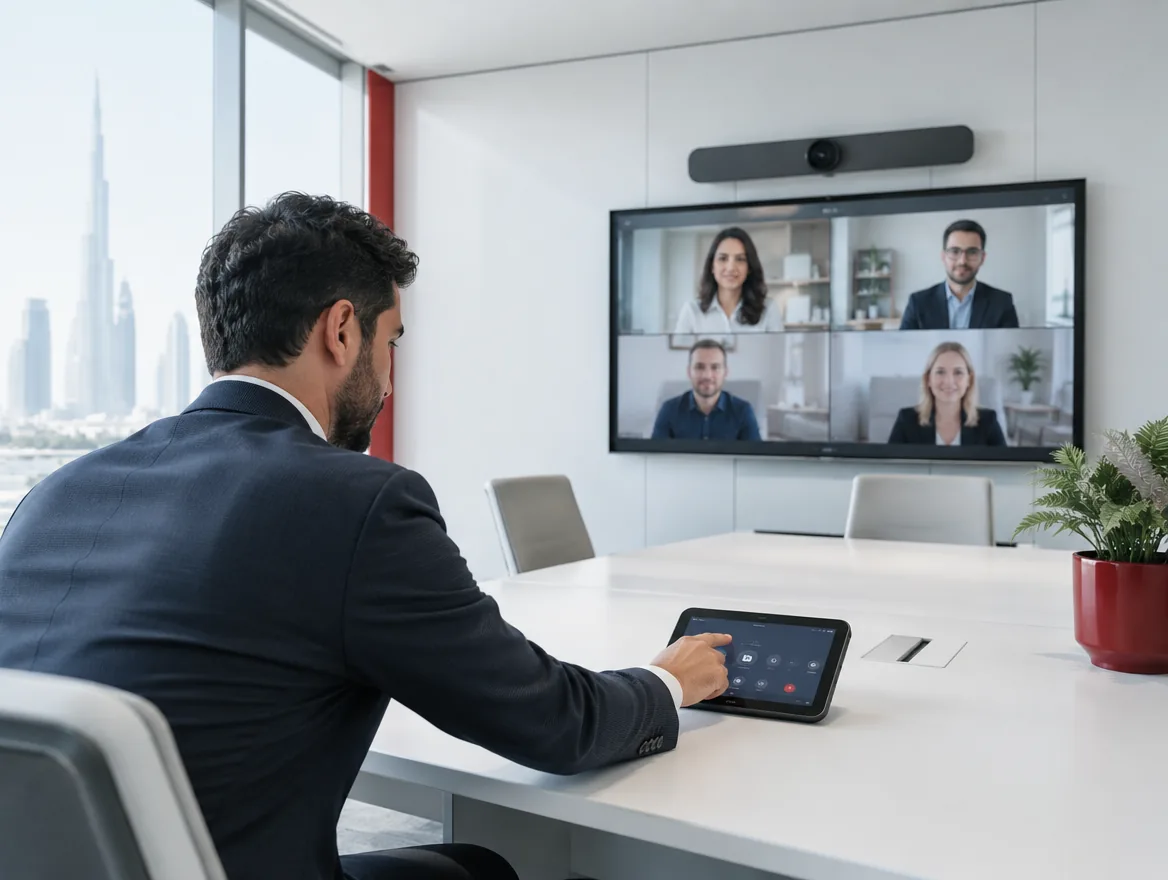
The best meeting rooms are the ones nobody has to think about. Walk in, press one button, and the call starts.
Audio before video
People tolerate average video but not bad audio. Ceiling or table microphones matched to the room size make the biggest difference.
Right-size the display
A simple rule: the farthest viewer should sit no more than six times the screen height away.
Types of rooms
Most offices need a mix of spaces:
- Focus rooms for one or two people on calls
- Huddle rooms for small, quick meetings
- Medium meeting rooms for 6–10 people
- Boardrooms for formal meetings and presentations
- Training rooms with flexible layouts
- Town hall spaces for company-wide sessions
Acoustics and lighting
Glass walls and hard surfaces create echo that makes remote participants struggle. Acoustic panels, carpet and soft furnishings help. Lighting should fall on faces from the front, not from windows behind people, so they are clearly visible on camera.
Booking and management
Room booking panels outside each door show availability and prevent double bookings. Remote monitoring lets IT spot faulty equipment before a meeting instead of during it.
Start with how the room is used
Before choosing any equipment, look at how each room is actually used. Is it mainly internal catch-ups, client presentations, training or hybrid meetings with remote colleagues? How many people usually attend, and how often is it booked? Booking data and a short staff survey answer these questions quickly. A room that is mostly used for two-person calls doesn't need a boardroom system, while a room used daily for client meetings deserves the best audio and a display everyone can read. Designing around real use avoids overspending on rooms no one books and under-equipping the rooms that matter most.
Choosing the right technology
For small huddle rooms, an all-in-one video bar with a built-in camera, microphones and speakers mounted under the display is simple and reliable. Medium rooms benefit from a separate camera with a wider field of view and table or ceiling microphones that reach every seat. Large rooms and boardrooms need multiple microphones, speaker-tracking cameras that follow whoever is talking, and sometimes dual displays so content and people can be seen together. Add a touch panel for one-touch joining, wireless presentation for guests and a booking panel outside the door, and most meetings will start on time without anyone calling IT.
Keeping rooms working
The biggest frustration with meeting rooms is equipment that worked last week but not today. Standardising the same equipment and layout across rooms means staff know what to expect and support is simpler. Remote management lets IT check device status, push updates and fix problems before meetings start. A simple sign in each room explaining how to join a call and who to contact for help reduces support requests. Review room usage and feedback every few months, and adjust equipment or layouts as your ways of working change.
Budgeting room by room
Not every room needs the same investment. Prioritise rooms that are booked most often and used for client meetings, and equip smaller rooms with simpler, cost-effective video bars. Standardising on one platform and a small number of equipment kits reduces cost and support effort. Include installation, cabling, mounting, acoustic treatment and support in the budget, not just the hardware. Many businesses upgrade in phases, starting with the busiest rooms and rolling out the same design to others once staff are happy with it.
Standardise
Use the same platform and control panel in every room so staff never need training twice.
Frequently asked questions
Choose the platform your organisation uses most. Many systems can join the other platform's meetings too.
As a guide, the furthest viewer should sit no more than about four to six times the screen height away.
For larger rooms and clean table layouts, ceiling microphones are an excellent option.
Yes. Wireless presentation systems let guests share without installing anything.



