Key takeaways
- Match equipment to room size
- Audio quality matters more than video
- Certified room systems give one-touch joining
- Lighting and acoustics make a big difference
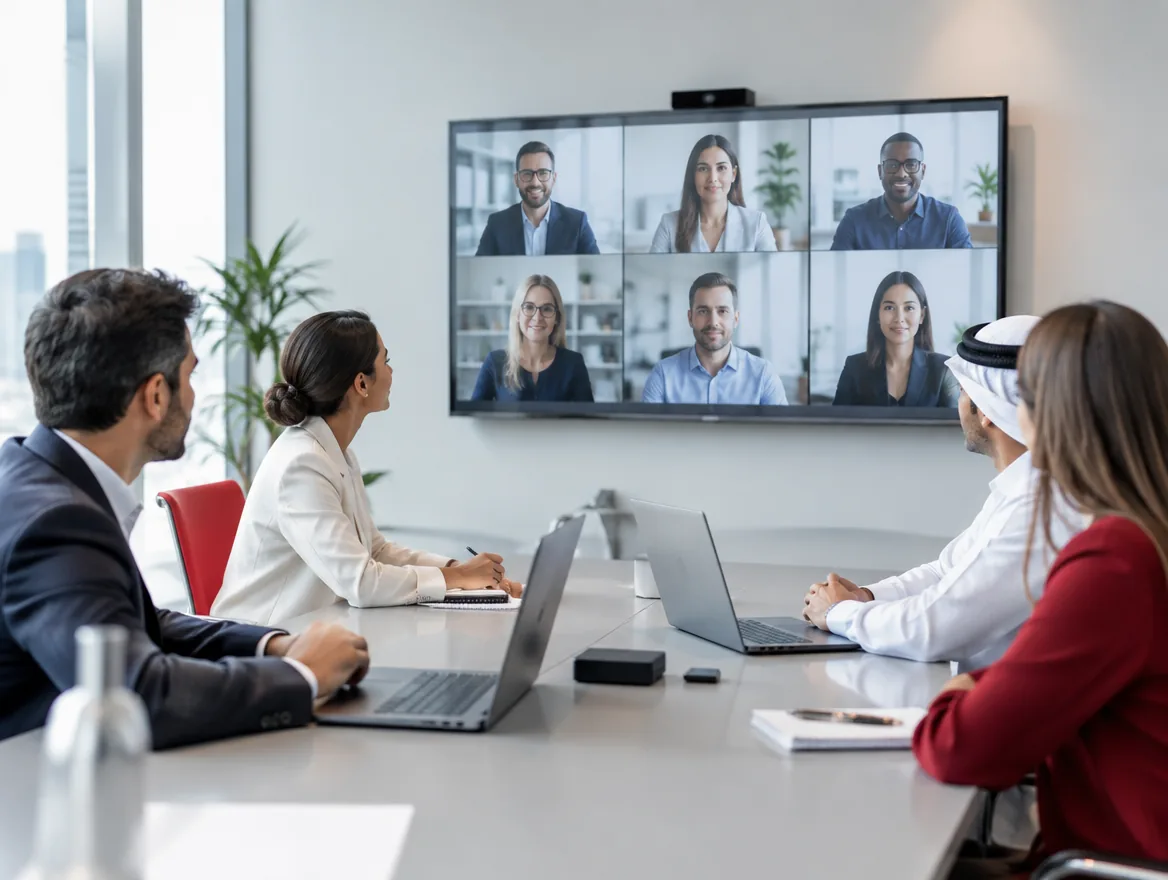
Hybrid meetings fail when remote participants can't see or hear the room. The fix isn't the most expensive equipment. It's choosing the right equipment for each room.
Match the room size
Huddle rooms suit all-in-one video bars. Medium rooms need a wider-angle camera and ceiling or table microphones. Boardrooms need multiple microphones, speaker tracking cameras and larger or dual displays.
Audio comes first
People tolerate average video but not poor audio. Microphones must cover every seat, and acoustic treatment reduces echo in glass-walled rooms.
One-touch join
Certified Microsoft Teams Rooms and Zoom Rooms systems let people start meetings with one touch from a tablet on the table, with no cables or laptops needed.
Wireless sharing
Let guests and staff share content wirelessly from any device, so presentations start on time.
Room checklist
For every room, check:
- Camera frames all seats at eye level
- Microphones reach every participant
- Display size suits the room depth
- Lighting on faces, not behind them
- Network connection prioritised for video
- Room booking panel outside the door
BYOD or dedicated room systems
In a bring-your-own-device room, people connect their laptop to the room's camera, microphones and screen via USB. It's flexible and affordable. Dedicated room systems have their own computer and join meetings from a touch panel, which is faster and more consistent. Many offices use dedicated systems in larger rooms and BYOD in huddle spaces.
Mistakes to avoid
Common problems we fix:
- Cameras too high or too low for natural eye contact
- Single table microphone in a long boardroom
- Display too small for people at the far end
- Glass rooms with heavy echo
- Windows behind participants causing silhouettes
- Wi-Fi-only rooms with unstable calls
Designing for hybrid meetings
Hybrid meetings work only when remote participants feel as included as those in the room. That means they must see faces clearly, hear every voice and see shared content easily. Cameras should be positioned at the front of the room near the display, so people in the room naturally look towards remote participants. Intelligent cameras that frame speakers or show each participant in their own tile make remote attendees feel part of the conversation. Content should be shared digitally, not held up to the camera, and whiteboard cameras can bring physical whiteboards into the meeting.
Network requirements
Video meetings need a stable, low-latency connection. Wherever possible, connect room systems with a cable rather than Wi-Fi. Configure quality of service on the network to prioritise video and voice traffic over downloads and backups. Check that your internet connection has enough upload bandwidth for several simultaneous meetings, since many office connections have much lower upload than download speeds. A second internet link with automatic failover keeps meetings running if the main line has problems.
Training and adoption
Even the best equipment is underused if people aren't confident with it. A short demonstration for each team, a simple instruction card in every room and a quick-reference guide on the intranet go a long way. Ask for feedback after the first few weeks and fix any friction points quickly. When joining a meeting becomes as simple as pressing one button, staff stop booking rooms without technology and start using the rooms you've invested in.
Support and monitoring
Remote monitoring spots faulty devices before a meeting starts, keeping rooms reliable.
Frequently asked questions
Most certified systems run one platform natively and can join the other's meetings.
A typical meeting room is installed and tested within a day.
Yes. Management platforms show device health and alert you to problems.
Wireless sharing lets anyone present from a laptop or phone without cables.



